

Dependency Injection (DI) is one of the most powerful features in ASP.NET Core, but it’s also one of the most misunderstood—especially when it comes to service lifetimes.
If you’ve ever wondered:
When should I use
AddTransientvsAddScoped?Why does using a Singleton sometimes cause bugs?
What actually happens per request?
This article will clear that up using simple explanations and visual diagrams.
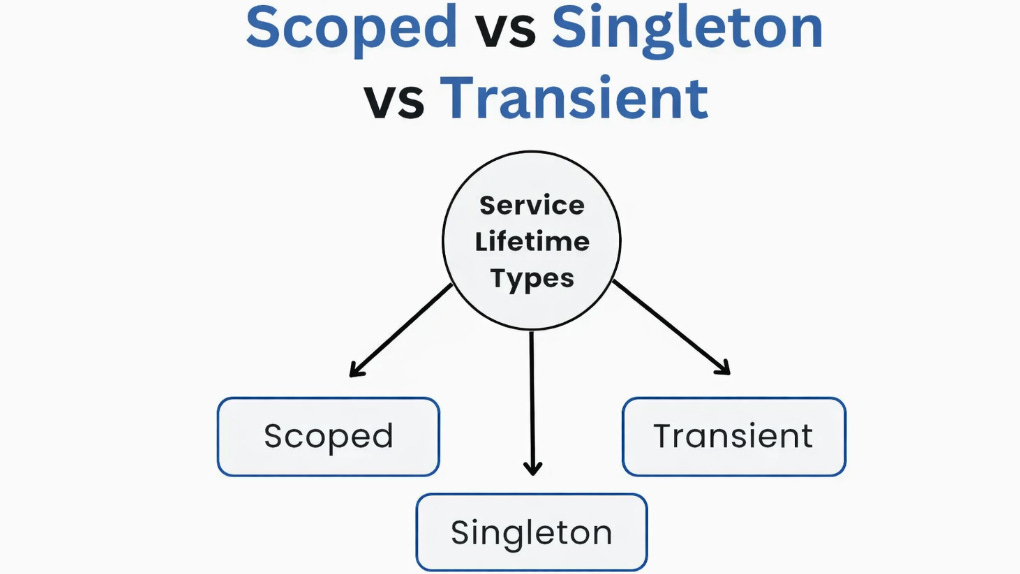
What Is a Service Lifetime?
In ASP.NET Core, a service lifetime defines how long an object lives in memory and how often a new instance is created.
.NET Core provides three built-in lifetimes:
Transient
Scoped
Singleton
Let’s break them down one by one.
1. Transient Lifetime
Definition:
A new instance is created every time the service is requested.
Registration
services.AddTransient<IService, Service>();How It Works (from the diagram)
Every request gets a brand-new object
Even within the same request, multiple injections create multiple instances
When to Use Transient
✔ Lightweight services
✔ Stateless services
✔ Helper or utility classes
Example
public class EmailFormatter
{
    public string Format(string message) => $"Email: {message}";
}
⚠️ Avoid When
The service holds state
The service is expensive to create
Think of Transient as:
“Create it, use it, throw it away.”
2. Scoped Lifetime
Definition:
One instance is created per request (scope).
Registration
services.AddScoped<IService, Service>();How It Works (from the diagram)
Each HTTP request gets one instance
The same instance is reused within that request
A new request = a new instance
When to Use Scoped
✔ Database contexts (DbContext)
✔ Business logic tied to a request
✔ Services that track request-specific data
Example
public class OrderService
{
    private readonly Guid _requestId = Guid.NewGuid();
}
Every HTTP request gets its own OrderService, but controllers inside the same request share it.
⚠️ Important Rule
Never inject a Scoped service into a Singleton
This will cause runtime errors or subtle bugs.
Think of Scoped as:
“One service per web request.”
3. Singleton Lifetime
Definition:
A single instance is created and shared for the entire application lifetime.
Registration
services.AddSingleton<IService, Service>();
How It Works (from the diagram)
Created once when the app starts
Shared across all requests and users
Lives until the application shuts down
When to Use Singleton
✔ Configuration services
✔ Caching services
✔ Logging services
✔ Thread-safe, read-only services
Example
public class AppSettingsCache
{
    public Dictionary<string, string> Settings { get; } = new();
}
⚠️ Be Careful
Must be thread-safe
Shared state can cause race conditions
Never inject
ScopedorTransientservices that depend on request data
Think of Singleton as:
“One object to rule them all.”
Common Mistakes (and How to Avoid Them)
❌ Using Singleton for database access
✅ Use Scoped instead
❌ Storing user-specific data in Singleton
✅ Keep user data request-scoped
❌ Overusing Transient for heavy services
✅ Use Scoped or Singleton where appropriate
Final Thoughts
Choosing the right service lifetime is not just about performance—it’s about correctness, scalability, and safety.
If you remember just one thing:
Transient → lightweight & stateless
Scoped → request-based logic
Singleton → shared & thread-safe
Pick wisely, and your ASP.NET Core apps will thank you.
I hope you found this guide helpful and informative.
Thanks for reading!
If you enjoyed this article, feel free to share it and follow me for more practical, developer-friendly content like this.
Greate Explanation
It would be noted that inside .NET Core Blazor Static Server Side Rendered application scoped services work as transient ones because this type of the application has no SignalR connection.